
How to read a nutrition label in 30 seconds
Three numbers, one ingredient list. That's all you really need to make smarter choices in the store.
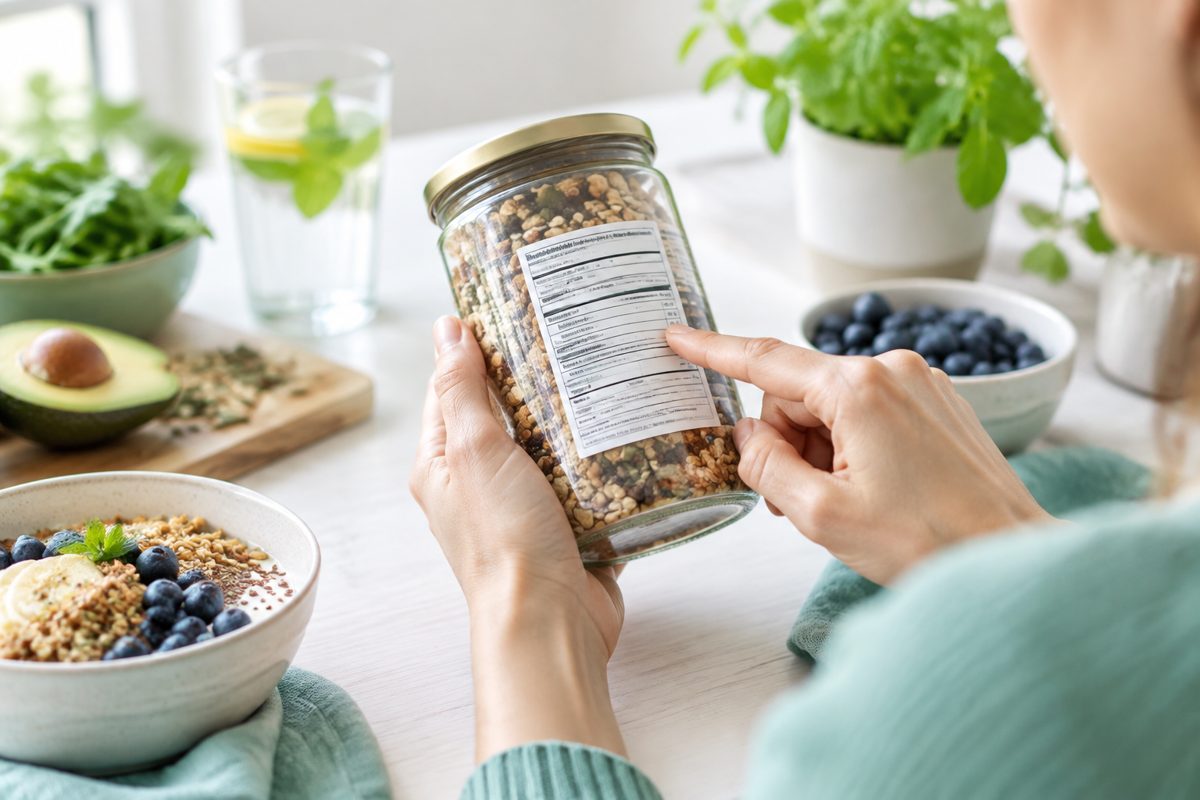
Look at three things first
- Protein per 100 g — higher usually means more satiating
- Added sugar (often listed as sugars or 'varav sockerarter') — lower is usually better
- Fibre per 100 g — higher is almost always a good sign
Then scan the ingredient list. Ingredients appear in order of weight, so if sugar is in the top three you know it dominates. Nutraware can scan packaging too — point your camera and the analysis is done.
Marketing words that don't mean what you think
'Natural', 'wholesome', 'high in fibre', 'reduced sugar' and 'light' are mostly marketing — legally loose enough to appear on products you would never call healthy. 'Reduced sugar' only requires 30 percent less than the original recipe, which can still mean a lot of sugar. 'Light' often refers to fat content while sugar quietly stays the same. 'No added sugar' is fine in itself but doesn't say anything about naturally present sugars, which can be just as relevant for blood sugar — a fruit-juice smoothie is a good example. The ingredient list is always more honest than the front of the pack.
A useful red-flag check: if the list has more than five ingredients, several names you don't recognise, or sugar appearing under three different aliases (sucrose, glucose syrup, fructose), the product is more processed than the packaging suggests. Nutraware can scan a barcode or the back of the pack and translate the label into a quick verdict on protein, fibre, added sugar and saturated fat — so the thirty-second store check actually works.
Want to put this into practice? Nutraware lets you photograph your meals for an instant nutritional analysis, track your habits and get personal coaching from an AI built on science. Be aware, feel great — and let the app do the counting for you.